
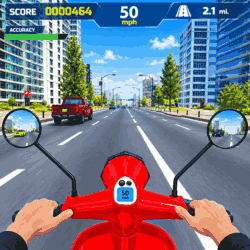
Moto Racing Club
by Susa Games
 1
1  1
1 Game Controls
Game Instruction


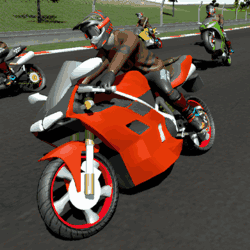


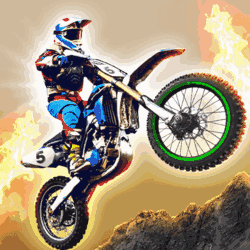


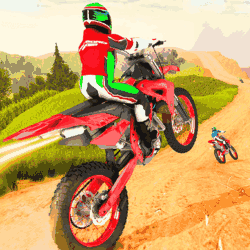


Moto Racing Club
| Rating |
2 votes |
|---|---|
| Developer | Susa Games |
| Technology | HTML5 |
| Platforms | Browser (desktop, mobile, tablet) |
| Orientation | Landscape |
Moto Racing Club is a motorcycle racing game where you dodge highway traffic and use nitro to speed past vehicles while earning coins for upgrades.
In this game you ride a motorcycle along busy highways filled with cars and other traffic. Your goal is to complete different racing challenges while avoiding collisions and earning points and coins to unlock better bikes. You need quick reflexes to move between lanes and find safe gaps because crashing into traffic ends your run.
The game offers several modes to try including Career Mode where you progress through racing challenges, One Way and Two Way modes where you ride through traffic moving in one or both directions, Time Attack where you try to beat the clock, and Free Ride where you can cruise along the road without a specific racing goal. Each mode gives you a different way to test your riding skills and earn rewards.
As you earn coins you can unlock new motorcycles and upgrade your current bike to improve its engine speed and acceleration. You can also customize your motorcycle by changing its color and rims. The game includes different camera views so you can switch between outdoor views and an interior view from the rider's seat.
Use WASD or the Arrow Keys to control your motorcycle. Press Spacebar to activate nitro and Shift or B to use slow motion when traffic gets difficult. Press Ctrl or V to sound the horn and C to change the camera view. Try to keep a steady line through traffic and use your speed boost when the road ahead is clear so you can cover more distance without crashing.
Desktop Controls:- WASD / Arrow Keys – Movement
- Spacebar – Nitro
- Shift / B – Slow motion
- Ctrl / V – Horn
- C – Camera Angle
- Mobile & Tablet: Touch
- Save your nitro for clear stretches of road where you can use the extra speed safely.
- Use slow motion when traffic gets crowded so you have more time to react and avoid collisions.
Developed by Susa Games.
Game Instruction
Gameplay Video
