
Block Masters
by GameBerry Studio
 1
 1
Game Controls
Game Instruction



















Block Masters
| Rating |
2 votes |
|---|---|
| Developer | GameBerry Studio |
| Technology | HTML5 |
| Platforms | Browser (desktop, mobile, tablet) |
| Orientation | Portrait |
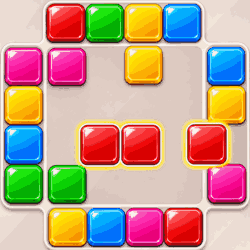
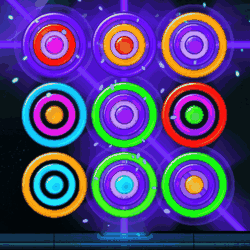
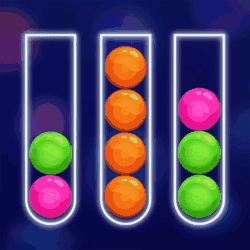
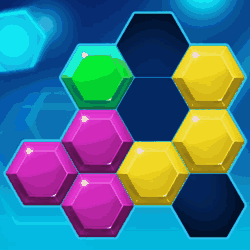
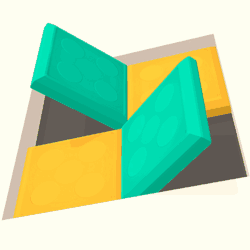
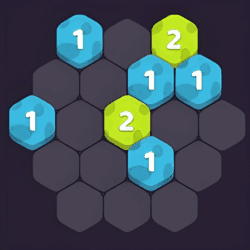
Block Masters is a thinking game where you push colored blocks in from the edges and line up three or more of the same color to clear them.
Choose a colored block on the outer edge of the board and click or tap it to move it one space toward the center. A new block appears in the spot it leaves behind. If you tap that same spot again, the new block moves in and pushes the blocks ahead of it one space farther along. You can keep working on that line or choose another edge if you see a better move.
To make a match, line up at least three blocks of the same color in a row or column. For example, if two blue blocks are side by side, look above and below the empty space next to them. You might be able to push a third blue block into their row from one of those edges. Once the three line up, they disappear and leave you room to work on your next match.
As the board fills up, a push that helps one group can move another out of place. Before tapping the same edge twice, see where the first push leaves the blocks and check the color of the new one. Sometimes you can finish a match right away; other times, it pays to set up a second match while you’re working on the first. Keep clearing space so you can play longer and beat your high score.
Controls:- Mobile & Tablet: Touch
- Computer: Mouse
- Check both rows and columns for pairs that need just one more block.
- Look at the new edge block before pushing the same line again.
Developed by GameBerry Studio.
Game Instruction